ErzoLab DHT Sensor
Room climate,
measured right.
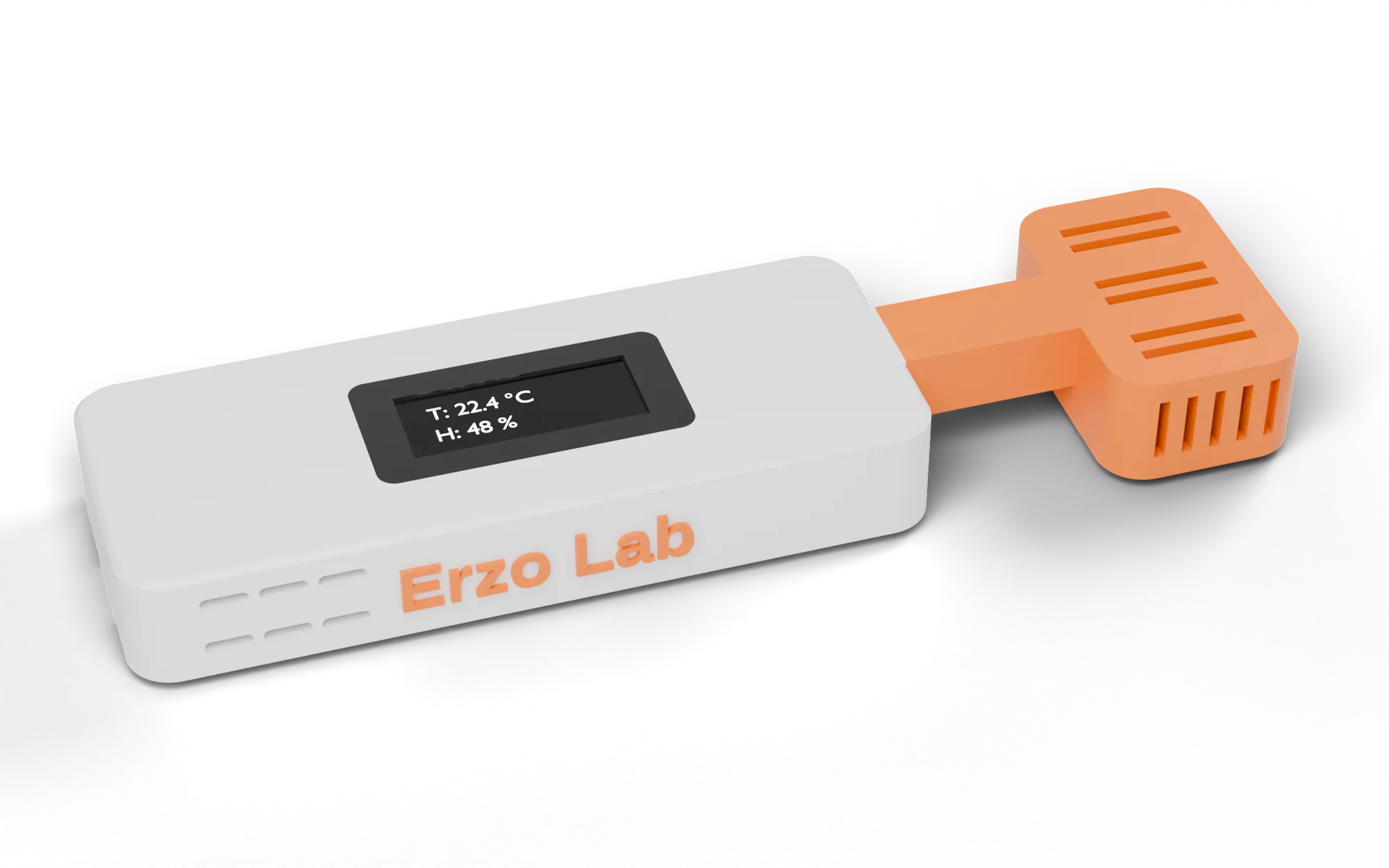
A precise temperature and humidity sensor for Home Assistant – with the sensor kept away from the heat of the electronics, and an enclosure in the colours you choose.
ErzoLab DHT Sensor
A precise temperature and humidity sensor for Home Assistant – with the sensor kept away from the heat of the electronics, and an enclosure in the colours you choose.
Accurate by design
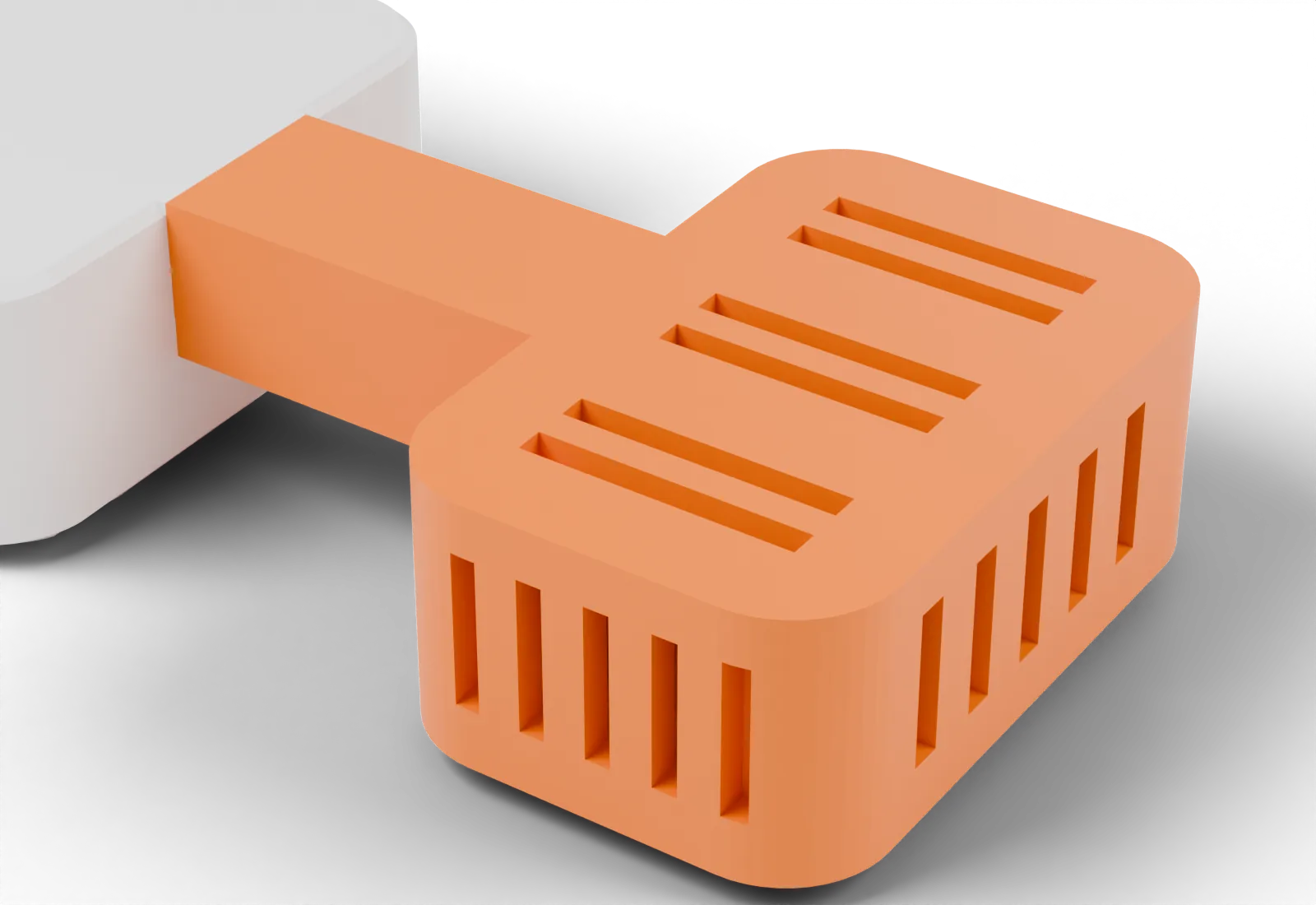
Every microcontroller gets warm. Put a sensor right next to it and it measures the chip, not your room.
The SHT31 sits in its own ventilated pod at the end of an arm, separated from the ESP32 by a 20 mm air gap. Air flows freely through the slotted chamber, while heat from the electronics stays behind. We tested it: separating the sensor removes the self-heating error that plagues compact all-in-one sensors.
Slim profile
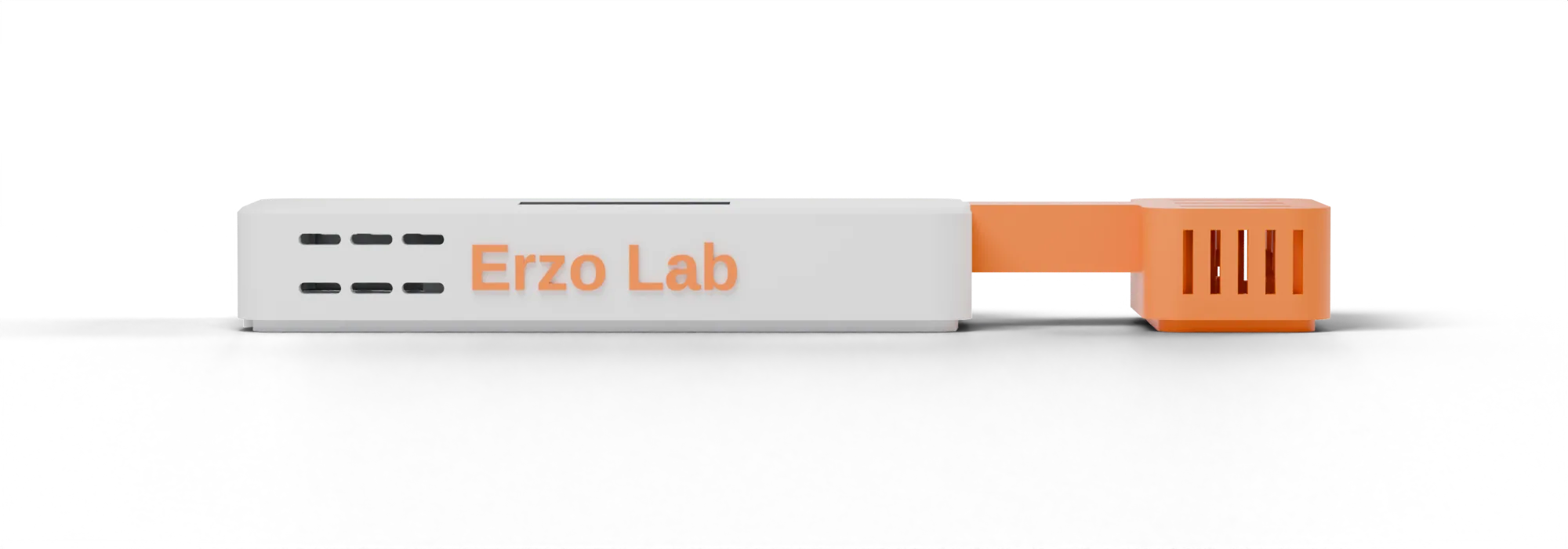
Small enough for a shelf, a desk or a wall, with a display you can read at a glance.
Made to order
Every enclosure is printed when you order it. Pick one colour for the body and another for the sensor pod – match your interior, or make it stand out.
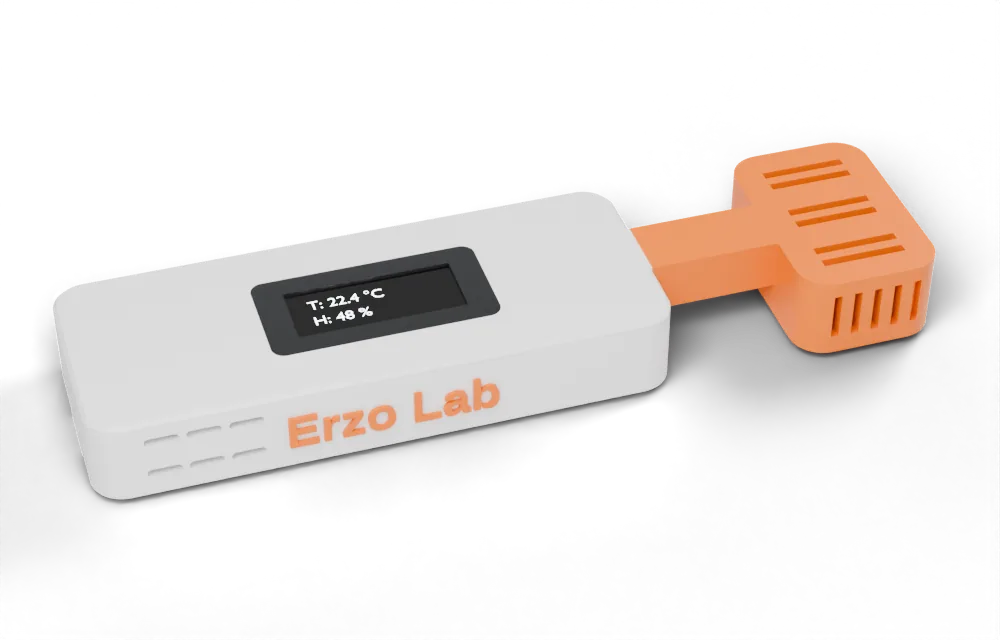
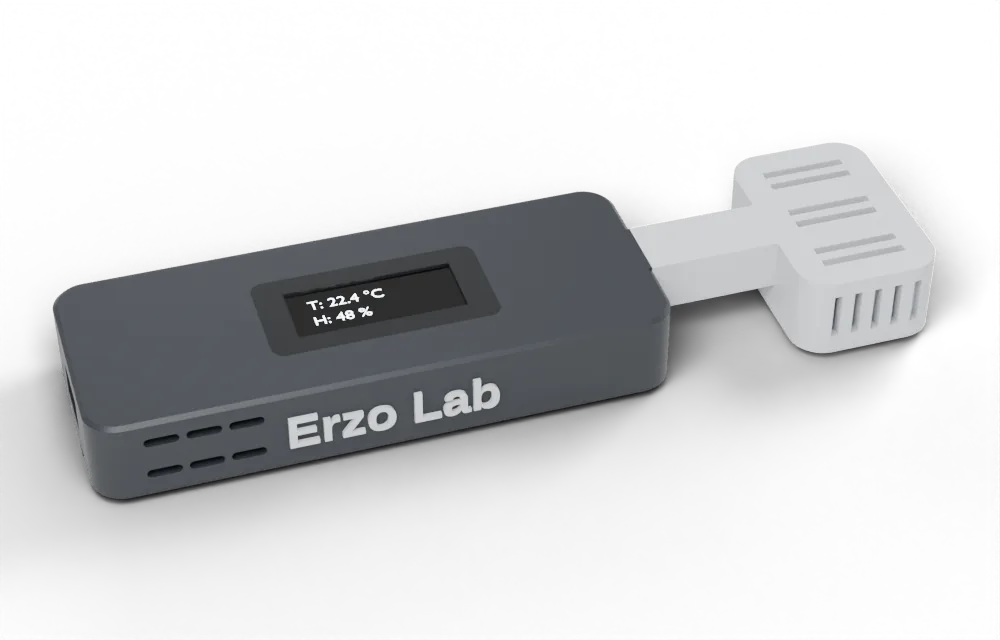
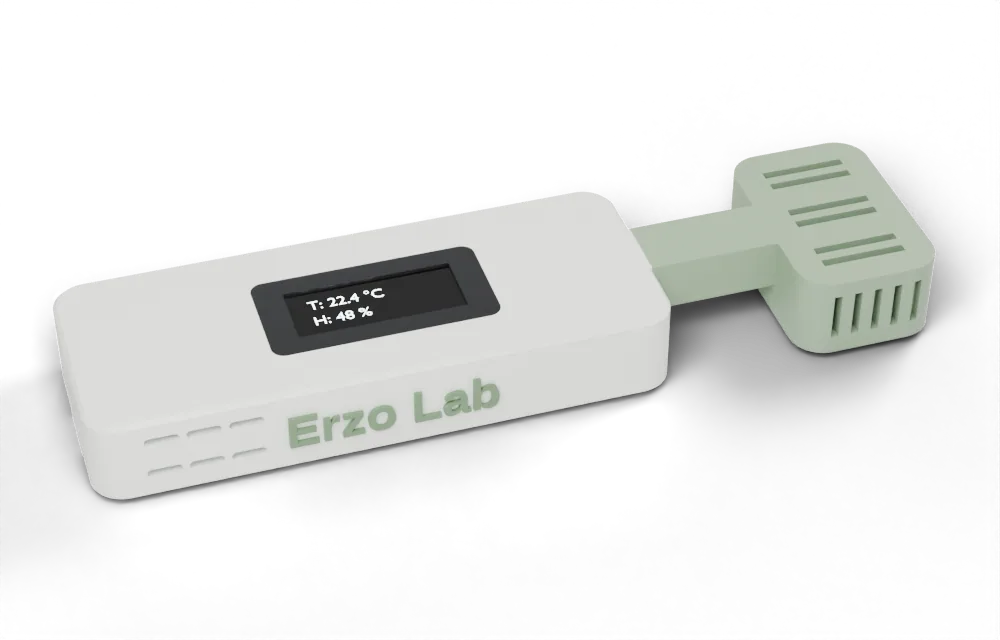
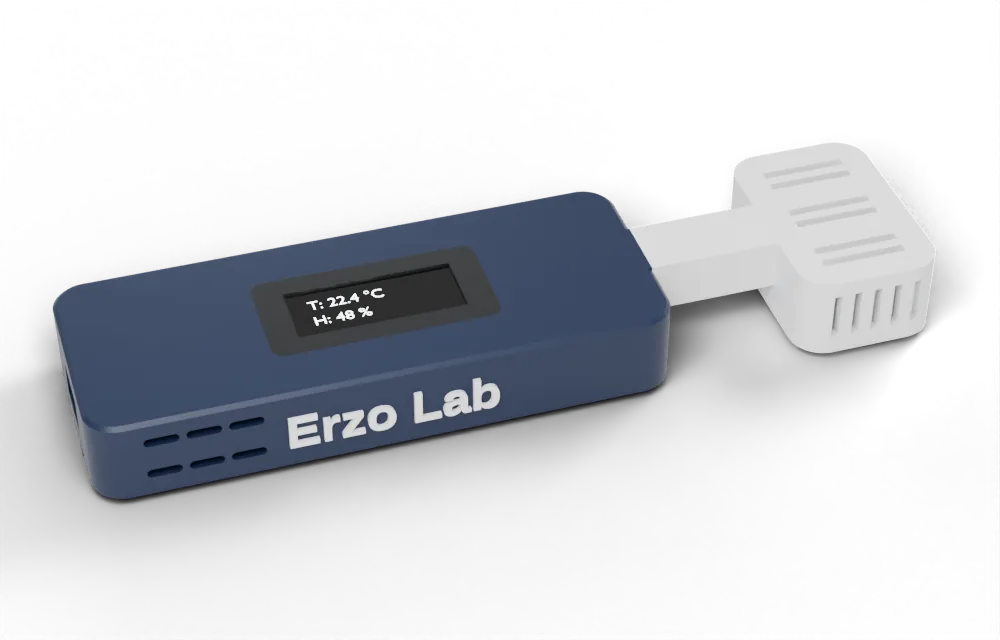
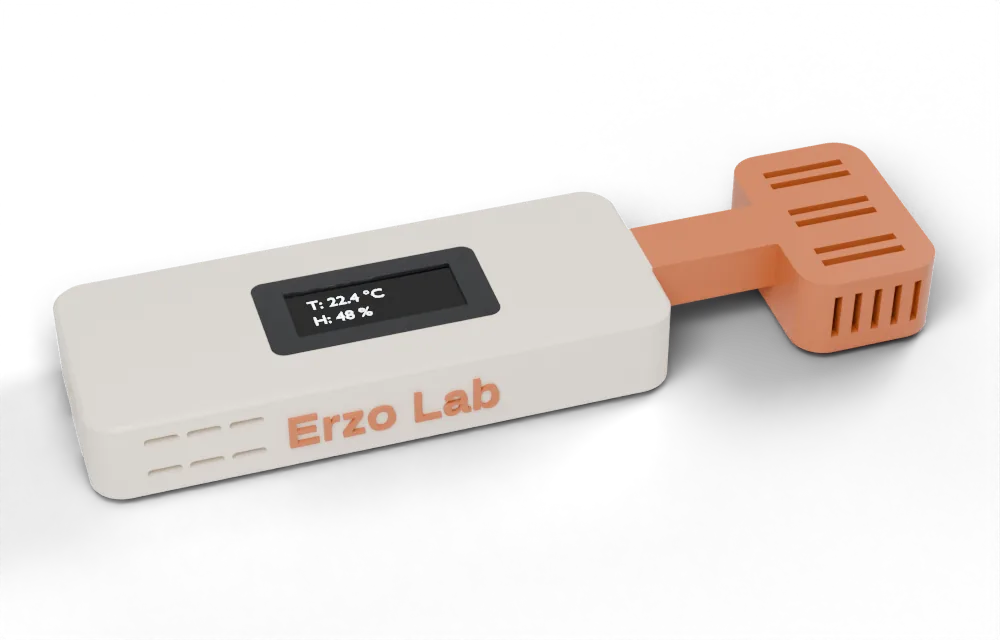
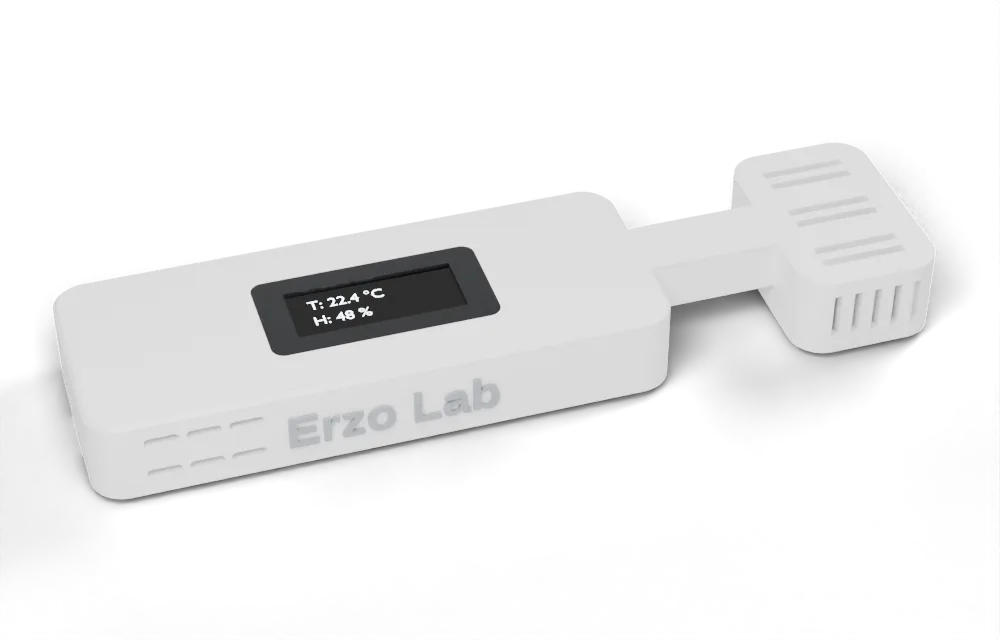
Want a different combination? Just ask – any two colours we can print.
Features
A crisp 0.91″ OLED shows temperature, humidity or both. Turn it off from Home Assistant whenever you like.
Discovered automatically and connected through the native ESPHome API. No cloud, no app, no account.
With the display off, the sensor sleeps between readings and wakes every 1–60 minutes – your choice.
Connects at full power, then lowers its transmit power to what your signal needs – and remembers what works.
New firmware appears in Home Assistant. One click installs it securely over HTTPS, verified before it is applied.
Each sensor gets its own encryption key when you add it. No open hotspot, no updates over your network from strangers.
Home Assistant
Readings, display mode, power saving and Wi‑Fi settings all show up as regular entities – ready for dashboards, automations and history graphs.
Setup
Connect the sensor to any USB‑C power supply.
Home Assistant finds the sensor over Bluetooth – press the button on the sensor to confirm and enter your Wi‑Fi. Or set it up over USB from this page.
The sensor appears under discovered devices. Click Add – done.
Tech specs
| Sensor | Sensirion SHT31 |
|---|---|
| Temperature | ±0.2 °C typical accuracy |
| Humidity | ±2 % RH typical accuracy |
| Display | 0.91″ OLED, 128 × 32 – temperature, humidity or both; can be turned off |
| Readings | Every 30 s with the display on; every 1–60 min in power-saving mode |
| Processor | ESP32‑S3 |
| Connectivity | Wi‑Fi 2.4 GHz with adaptive transmit power; Bluetooth LE for setup |
| Integration | Home Assistant via the native ESPHome API, encrypted |
| Updates | Automatic over HTTPS from erzo-lab.com, or over USB |
| Power | USB‑C, 5 V |
| Size | 128 × 33.6 × 14.5 mm |
| Enclosure | 3D‑printed in two colours of your choice, assembled without glue |
Firmware
Connect the sensor with a USB‑C cable and click the button. Works in Chrome and Edge on desktop. Wi‑Fi can be set up right after installation.